

User data
The User data form is where you enter the details of a user. You can reach it in two ways:
- Click Add user in the Users header to create a new user.
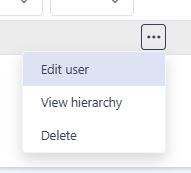
- Open the ··· menu on a user’s row and choose Edit user to change an existing user.
The form is the same in both cases — only the page title differs.
Fields
Section titled “Fields”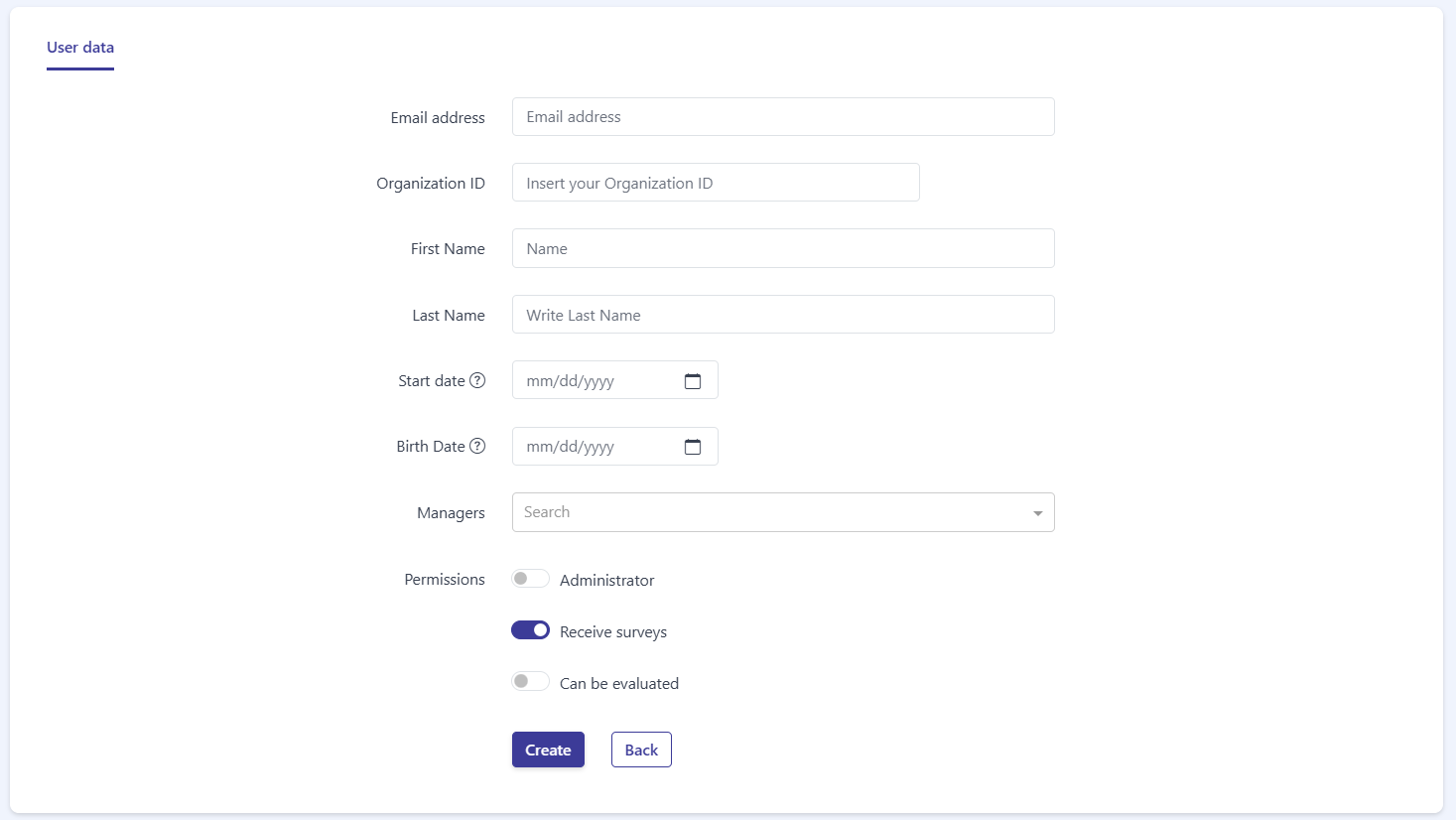
The User data panel contains the following fields:
- Email address — the user’s email. It is required to identify and contact the user.
- Organization ID — an internal or custom identifier for the user within your organization.
- First Name — the user’s first name.
- Last Name — the user’s last name.
- Start date — the date the user joined. Click the ? icon next to the label to see the expected date format (mm/dd/yyyy, for example 12/31/2022).
- Birth Date — the user’s date of birth. It uses the same date format, shown in the ? tooltip next to the label.
- Managers — a searchable selector used to assign the user’s manager or managers. Type in the Search box to find and select people.
Permissions
Section titled “Permissions”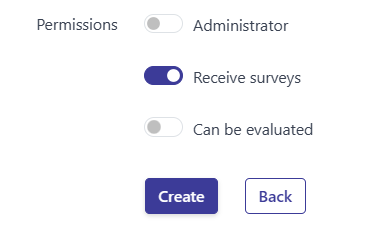
The Permissions section has three toggles that control what the user can do:
- Administrator — grants administrator access. Off by default.
- Receive surveys — the user receives surveys. On by default.
- Can be evaluated — the user can be the subject of evaluations. Off by default.
Saving
Section titled “Saving”At the bottom of the form there are two buttons:
- Create — saves the new user. When you are editing an existing user, this button saves your changes instead.
- Back — returns to the previous page without saving.
Frequently asked questions
How do I create or edit a user?
Click Add user in the Users header to create one, or choose Edit user from the ··· menu on a user's row to edit an existing one.
Which field is required?
The Email address is required to identify and contact the user.
What do the permission toggles do?
Administrator grants admin access (off by default), Receive surveys sends surveys to the user (on by default), and Can be evaluated lets the user be the subject of evaluations (off by default).